
How do I find texts?
The CommonLit text library is a great asset with thousands of short stories, news articles, poems, primary source documents, short plays, fiction excerpts, and nonfiction pieces for grades 3-12, so there's something for every student! The text library will help you plan for new, exciting units and expand your curriculum with quality resources.
There are many ways to browse the CommonLit text library. If you're just getting started, we recommend checking out the featured content in the text library.
If you want to find content that meets a particular need, you can click Search and Filter in the menu on the left-hand side of the page. That will open the Search and Filter view where you will have several options for how to browse: by content type, grade, genre, standard, and Lexile range.
You can also search for a specific title, author, book, or topic using the search bar. Additionally, when on the text library page, you can use the Curated Tabs along the top of the page to browse popular topics or themes, such as Horror & Suspense, Mythology, American Literature, etc.
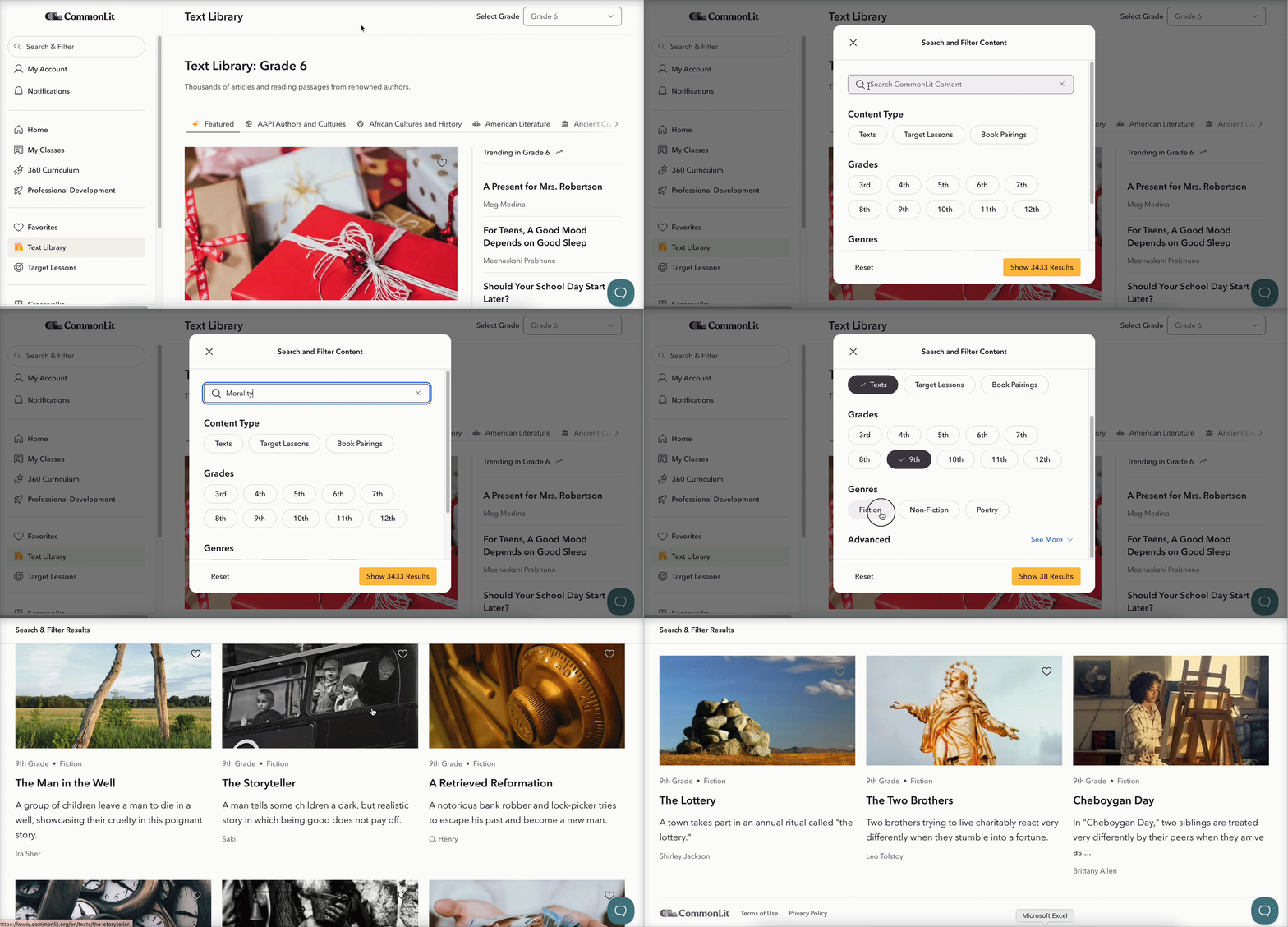
Once you have filtered the library, you are able to use the Refine Search button in the upper-right of the screen to select additional filters or remove filters.
For example, if you wanted to expand your search, you could click Refine Search and then select the option to also include Non-Fiction and Poetry texts.
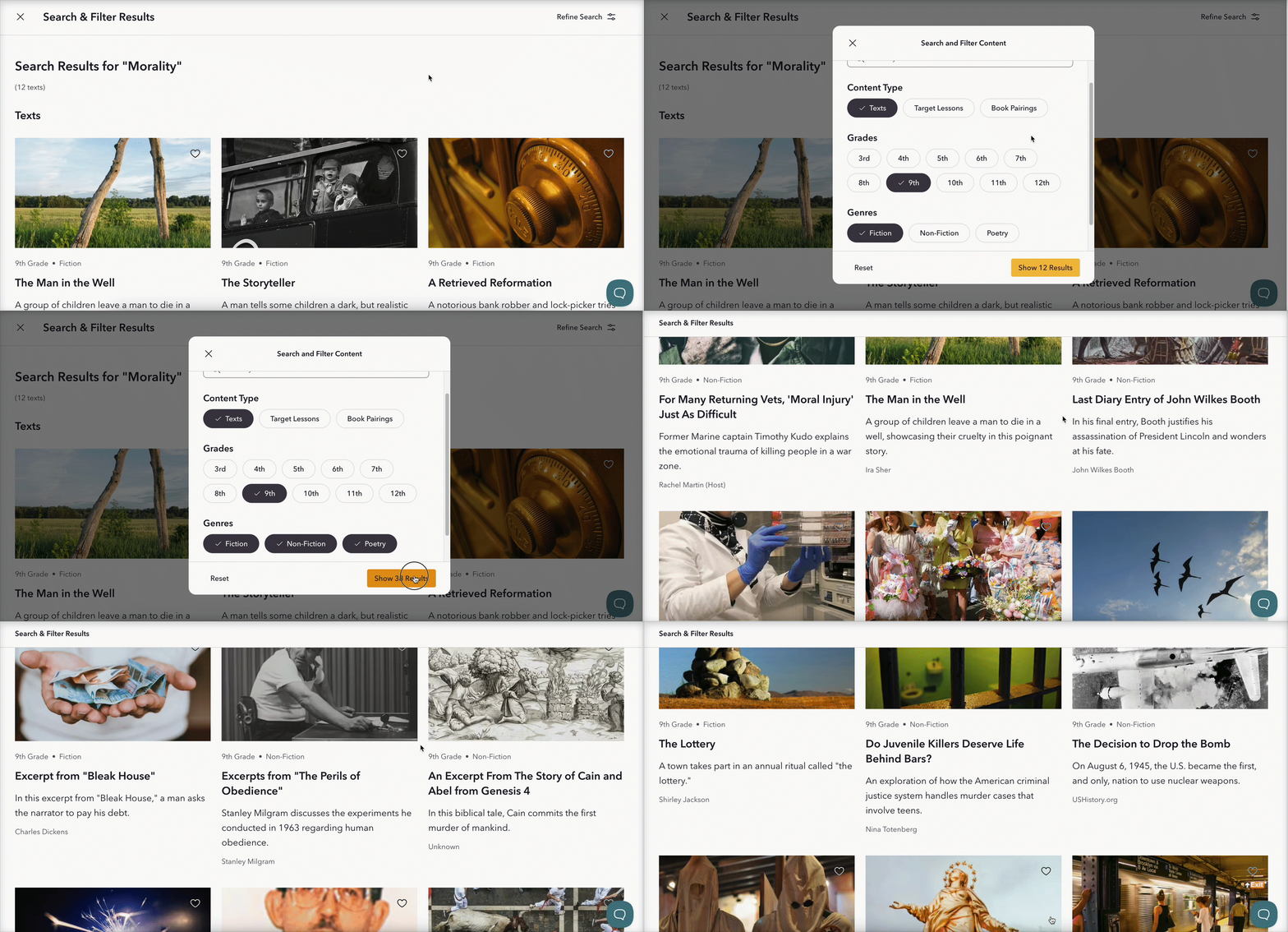
Lastly, if you want to go broader with your search, you can just search "morality" and see what content types come up. You'll see texts, Target Lessons, and Book Pairings all related to your search.
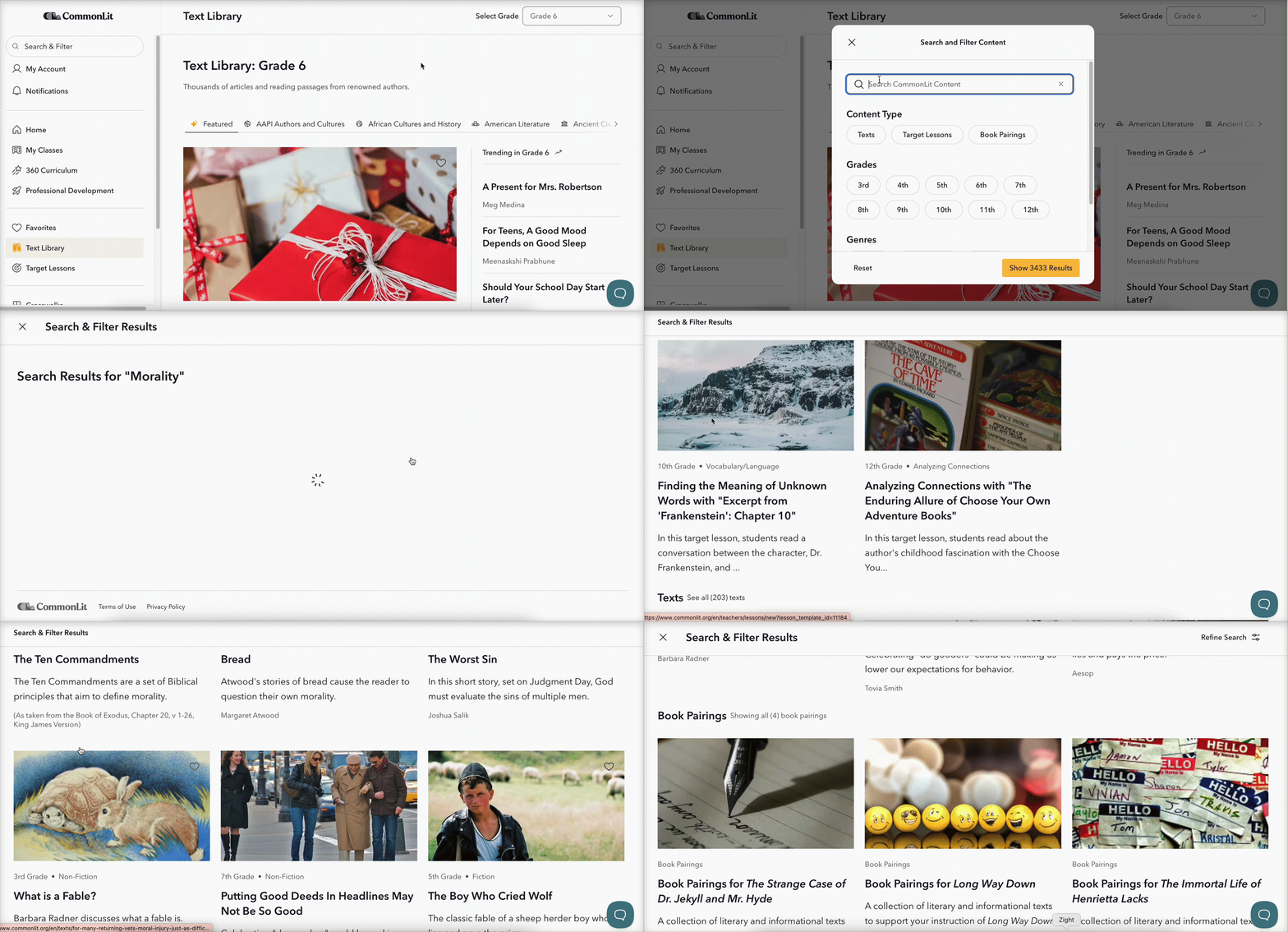
Looking for a text that we don't seem to have? Feel free to contact us to make a recommendation!