
Where can I find the standards that a unit covers?
Every CommonLit 360 unit has a Skills Focus. There are a few places you can find the skills covered in a unit depending on how much detail you need.
Quick View: Focus Skills
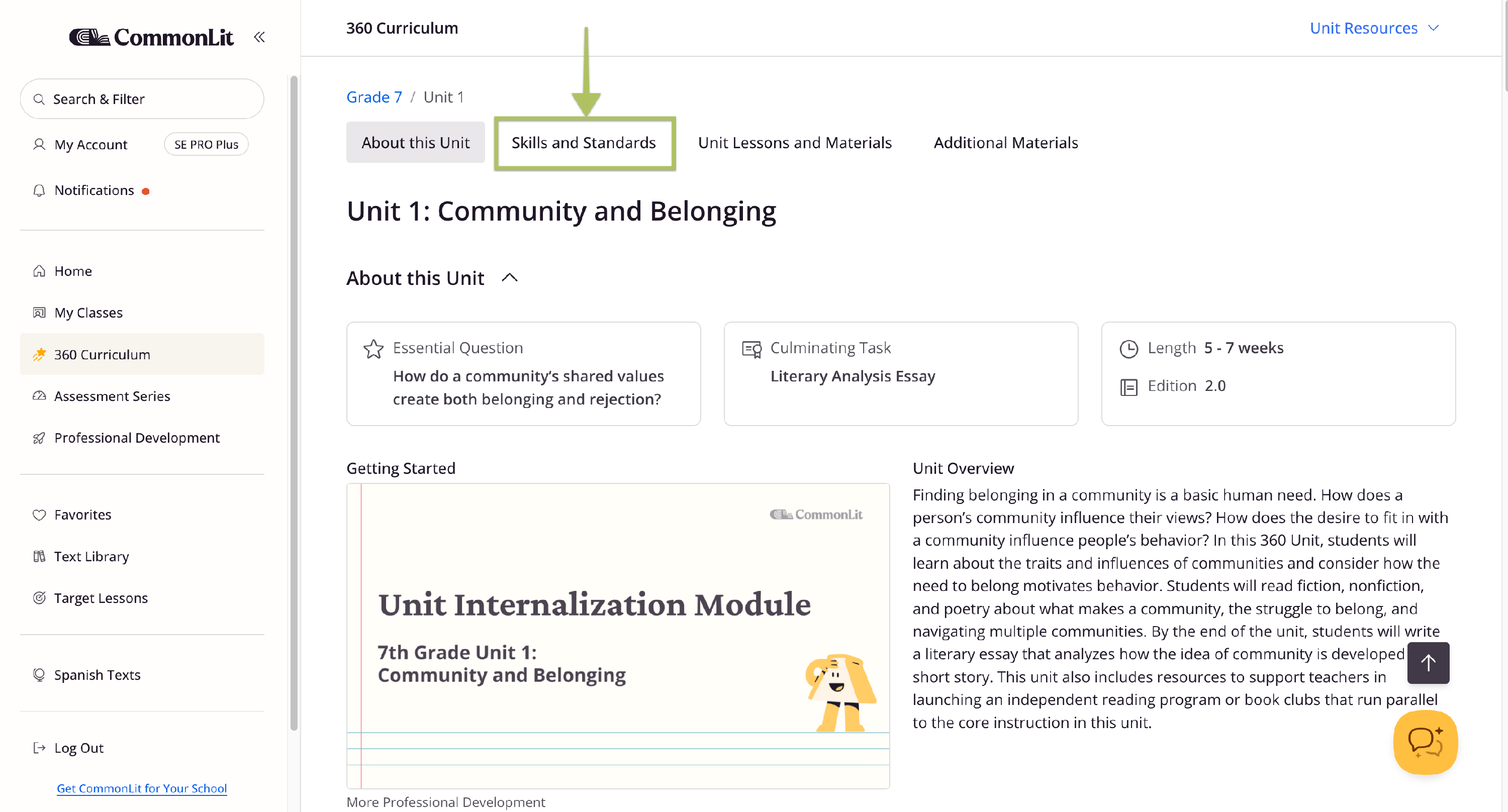
- From the 360 Curriculum, click Explore Unit on the unit's tile to view the Unit page. You can also click anywhere on the tile.
- Click the Skills and Standards tab at the top of the page, or scroll down to that section.
This gives you a quick view of the Focus Skills and associated standards for the unit.
Standards for each lesson
To see the standards covered in individual lessons, scroll to the Unit Lessons and Materials section. Each lesson is listed with its standards and a brief description.
Unit Guide
You can also view a detailed breakdown of the standards in a unit on the Unit Guide.
- Click the Unit Resources dropdown at the top of the Unit page.
- Select Unit Guide.
The Unit Guide shows the detailed standards covered in the unit, along with the arcs of reading and writing instruction. You can also find the Skill Focus and standards for each Reading and Writing Lesson.
Get access to teacher training for CommonLit 360, formative reading comprehension checks, and school- and district-wide data reports with Core and Elevate. Learn more about CommonLit 360 here.